Unofficial fan mod for PEAK
PEAK Split-Screen
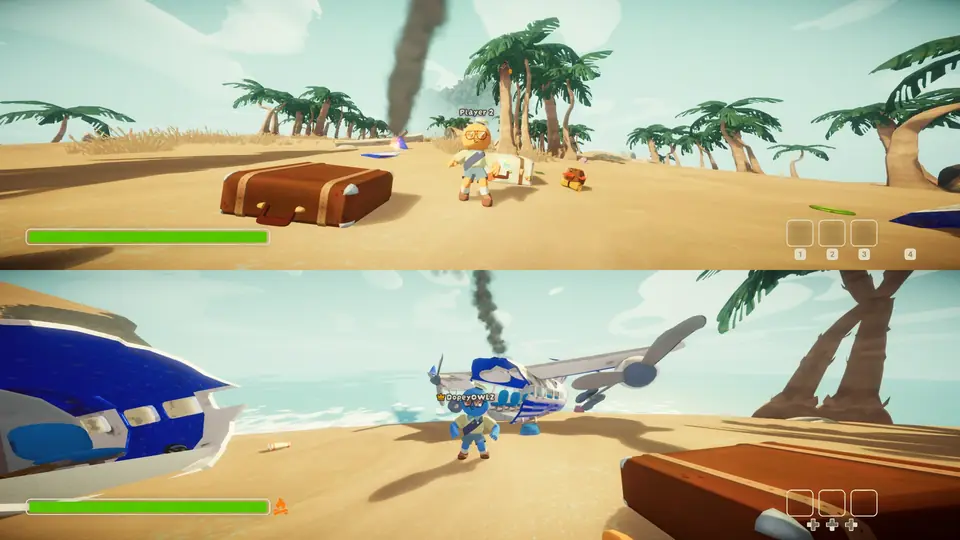
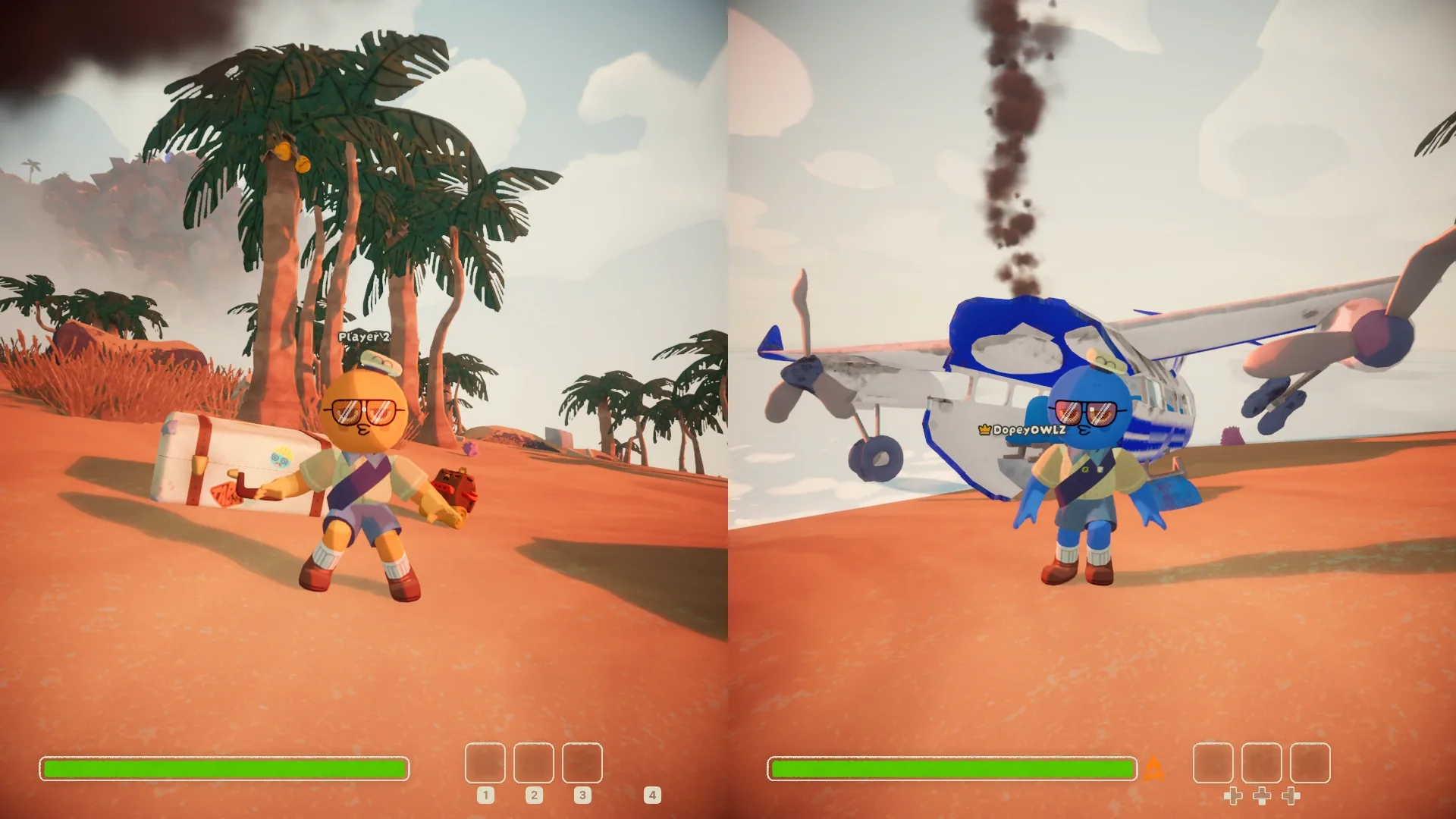
A second player on the same PC, on their own half of the screen with their own controller. Start Play Solo, player 2 holds START, and you climb together.
- 2 on one PC
- Windows
- Steam version
- Free
6b2214c36f1e3f3ffb4638dd985c7782b9fd4ea3faa419a7441a77f094f7b43b
To check your download, run Get-FileHash .\PEAK-SplitScreen-Setup-1.1.2.exe in PowerShell and compare.
What it does
PEAK is a co-op climbing game you normally play online. This mod adds the other way: a second player on the same PC, on the bottom half of the screen, with their own controller. Pick Play Solo, player 2 holds START for a second, and they're in.
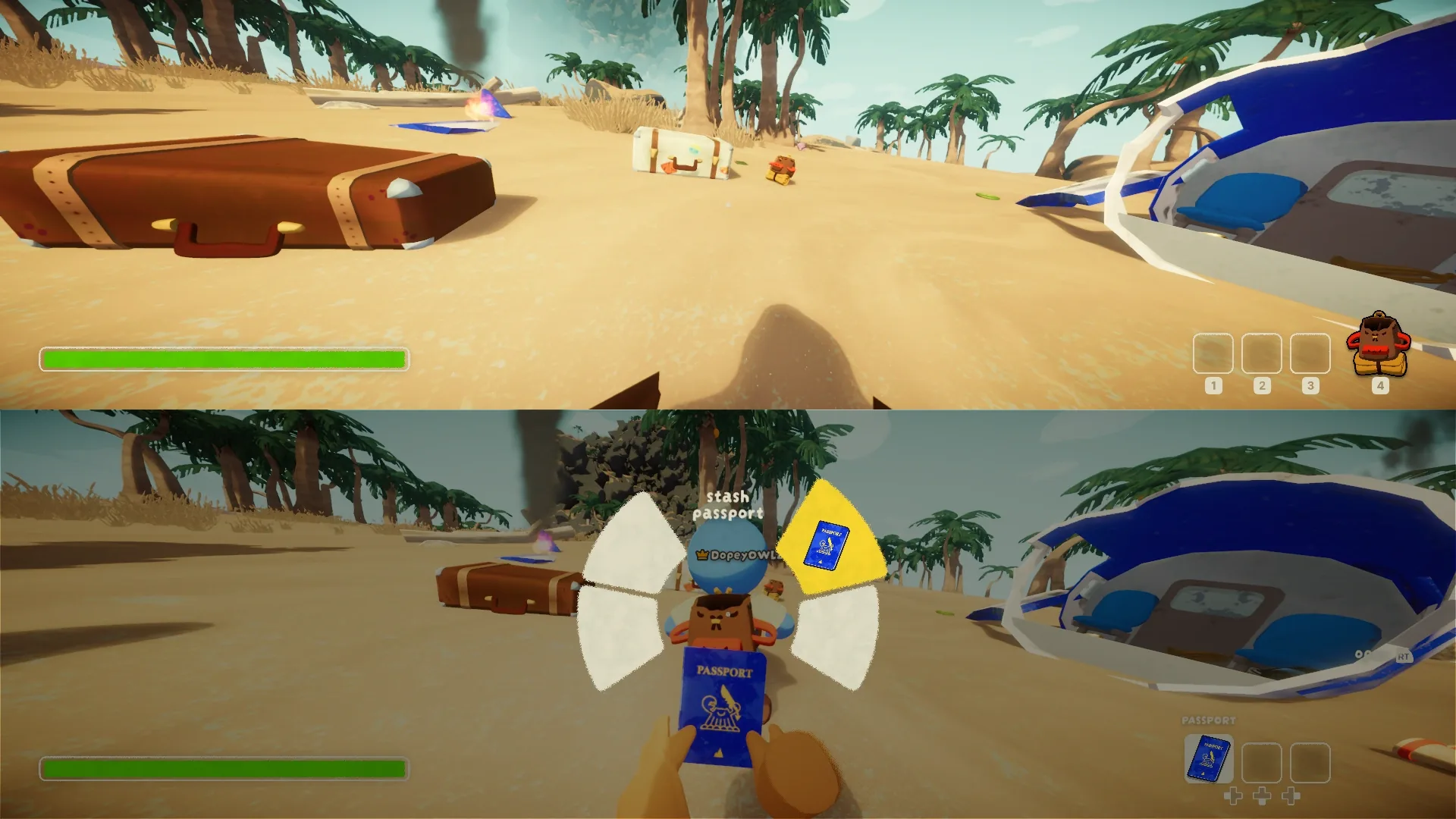
Player 2 isn't a spectator. They get their own character, camera, HUD, inventory, backpack, emote wheel and pause menu, and it plays like two friends online: you can carry each other, revive each other at a statue, open each other's backpack and pull the thorns out of each other.
Two climbers, one screen
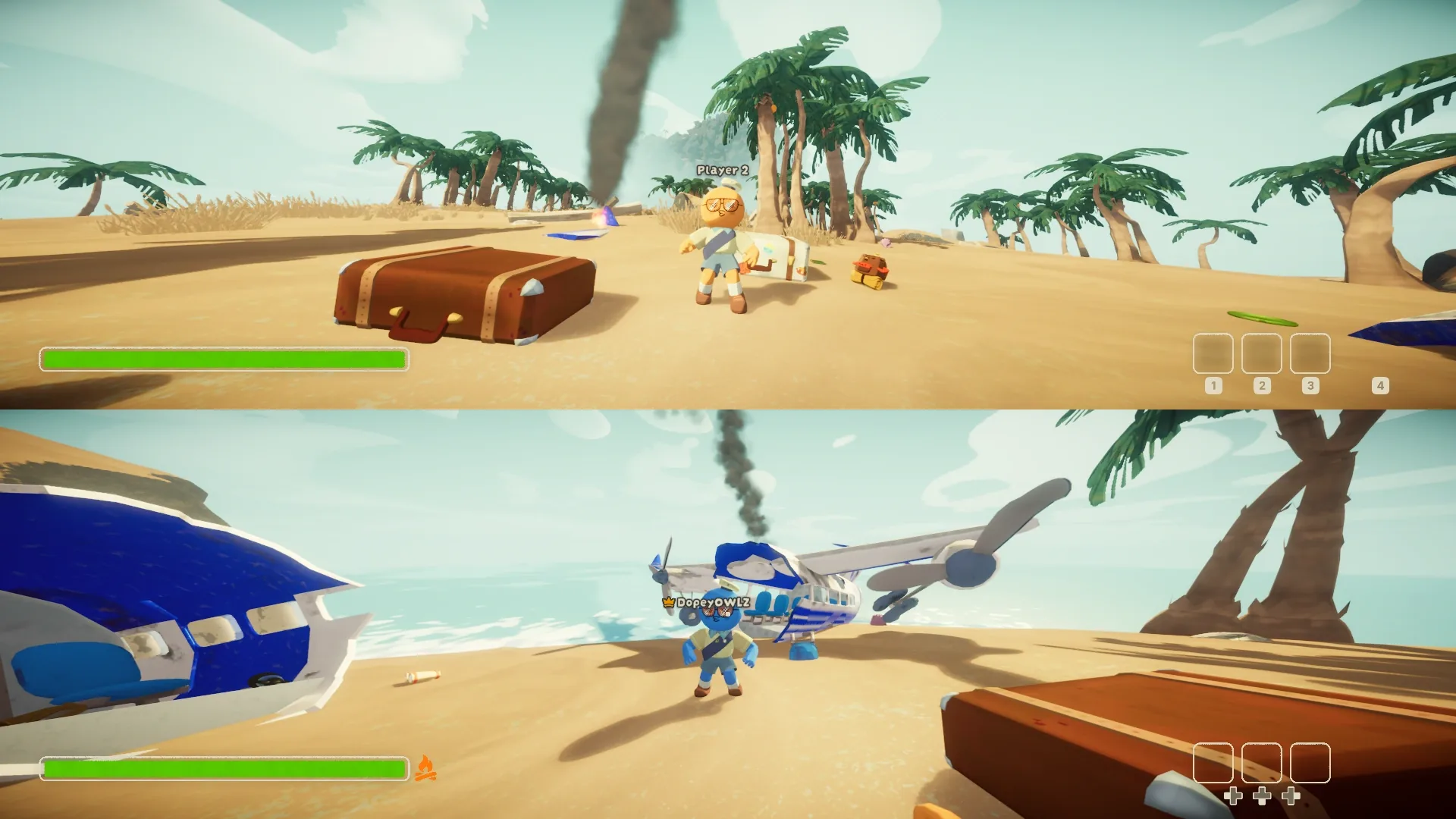
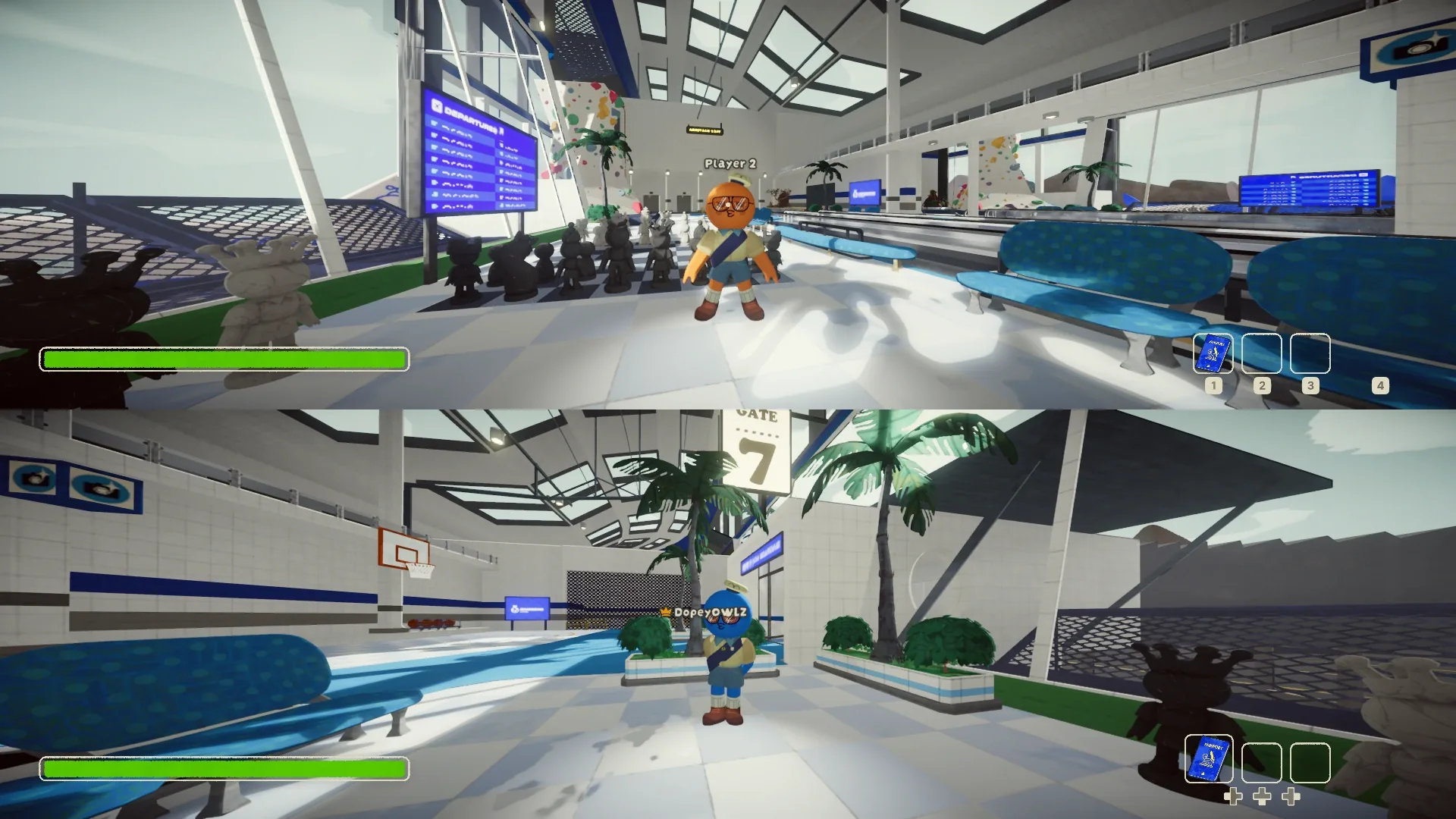
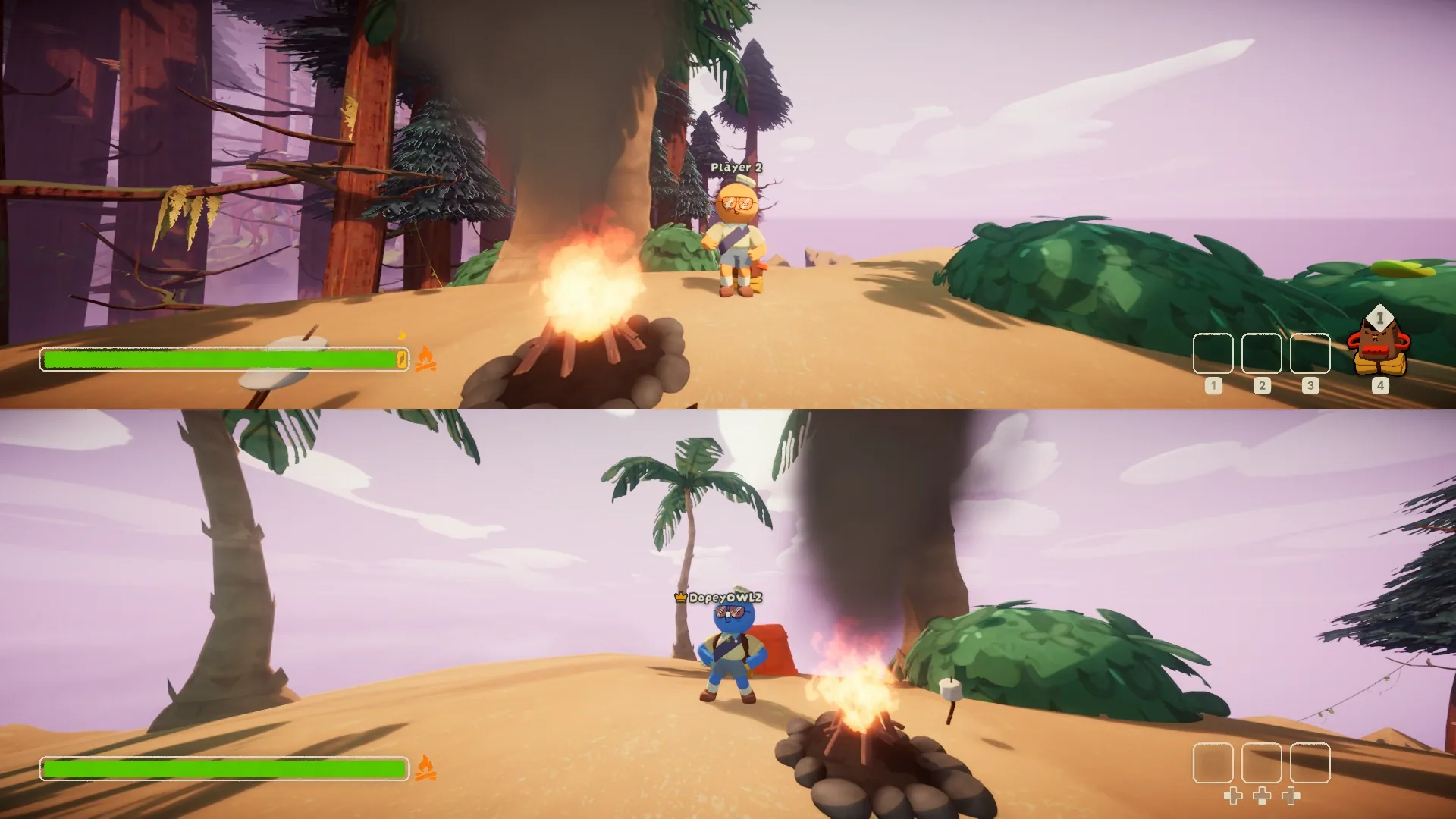
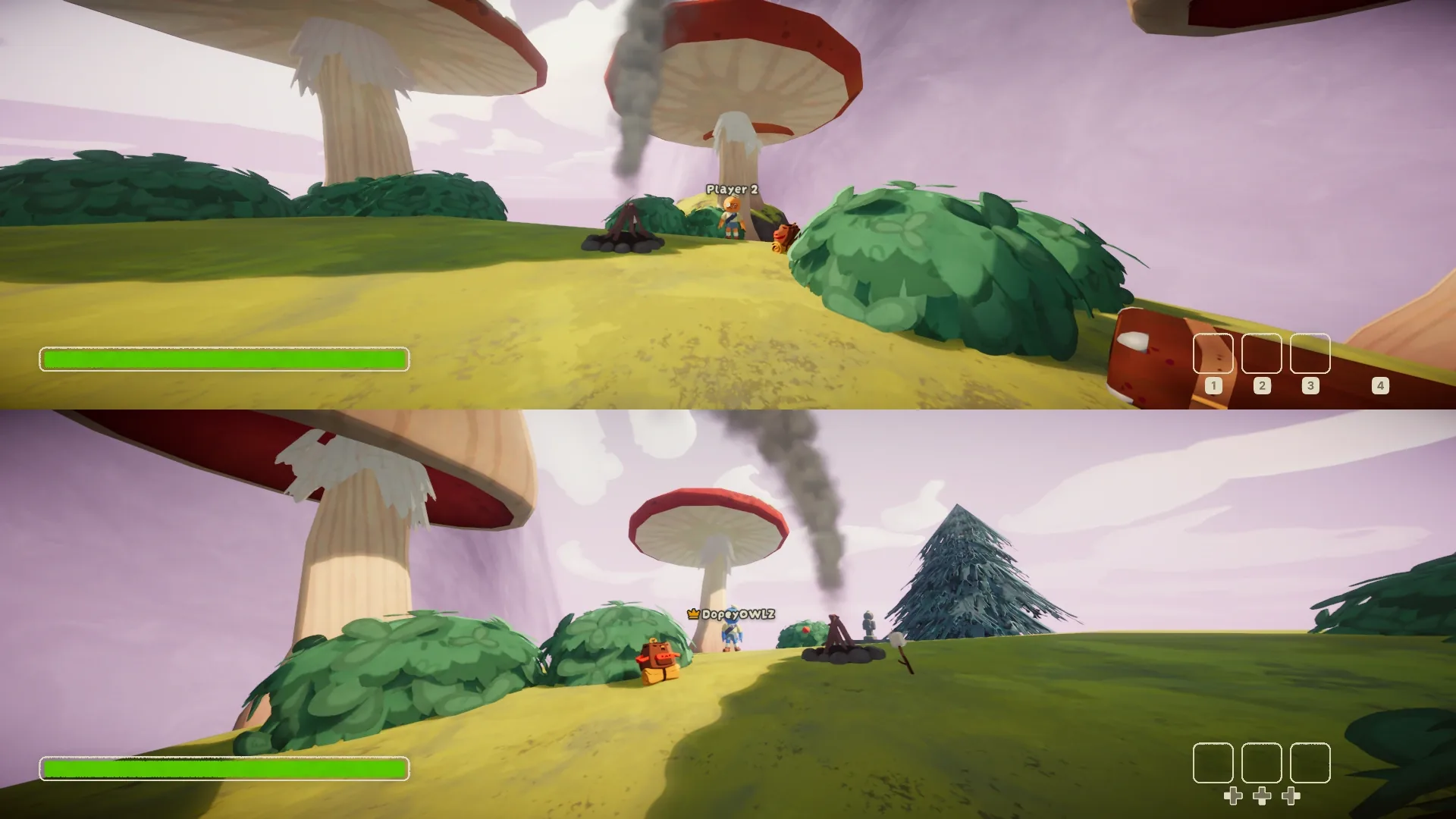
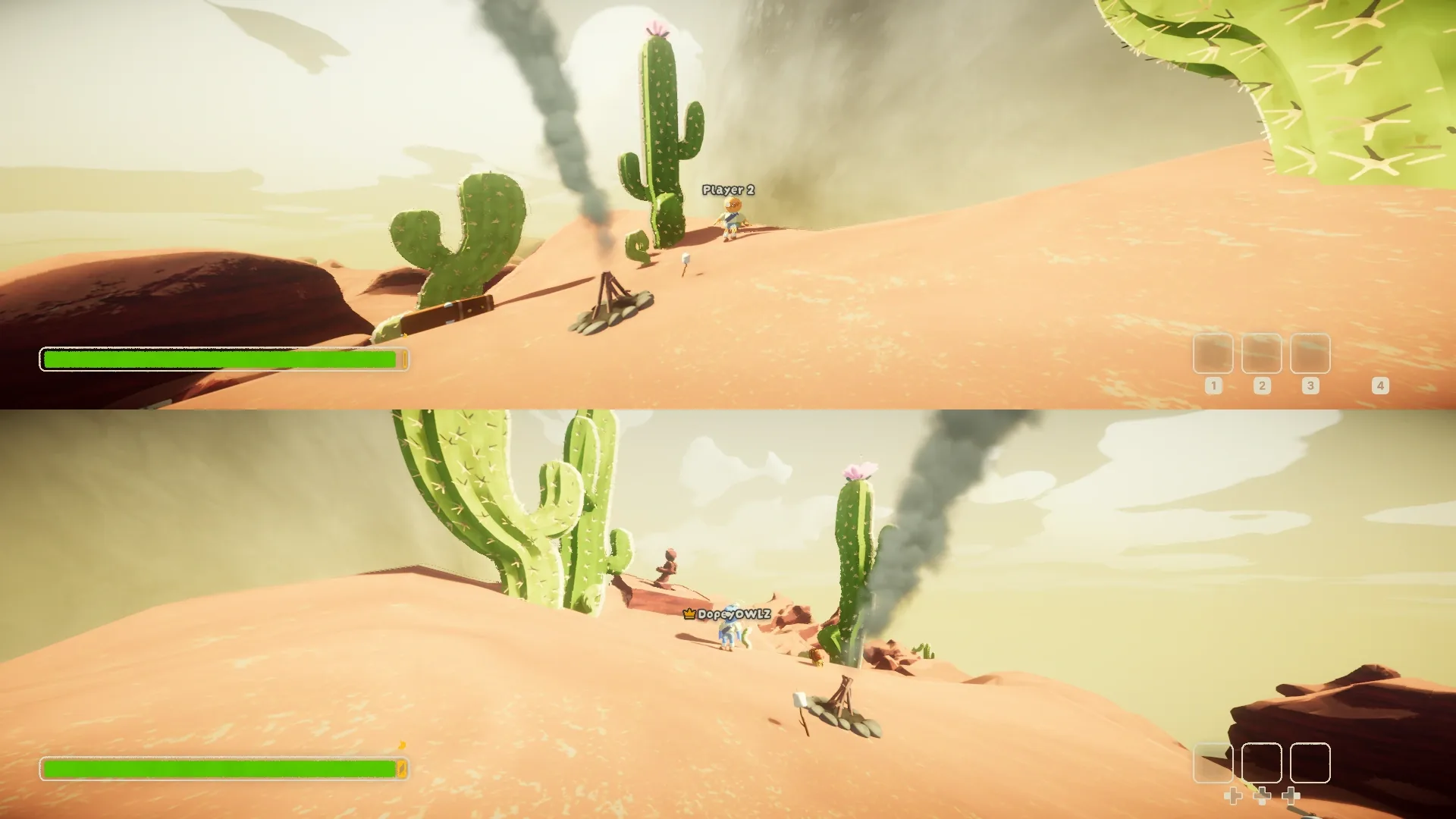
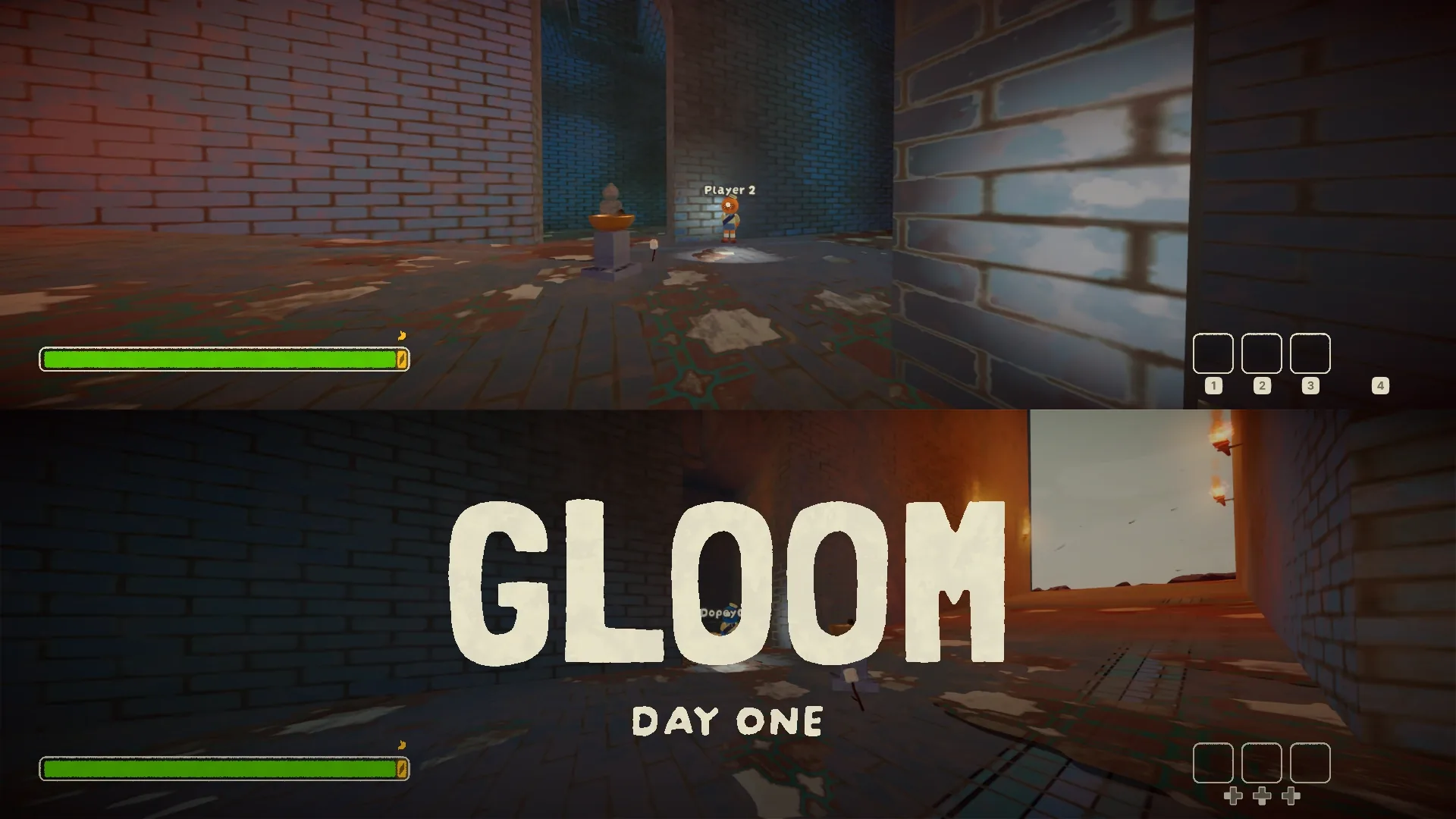
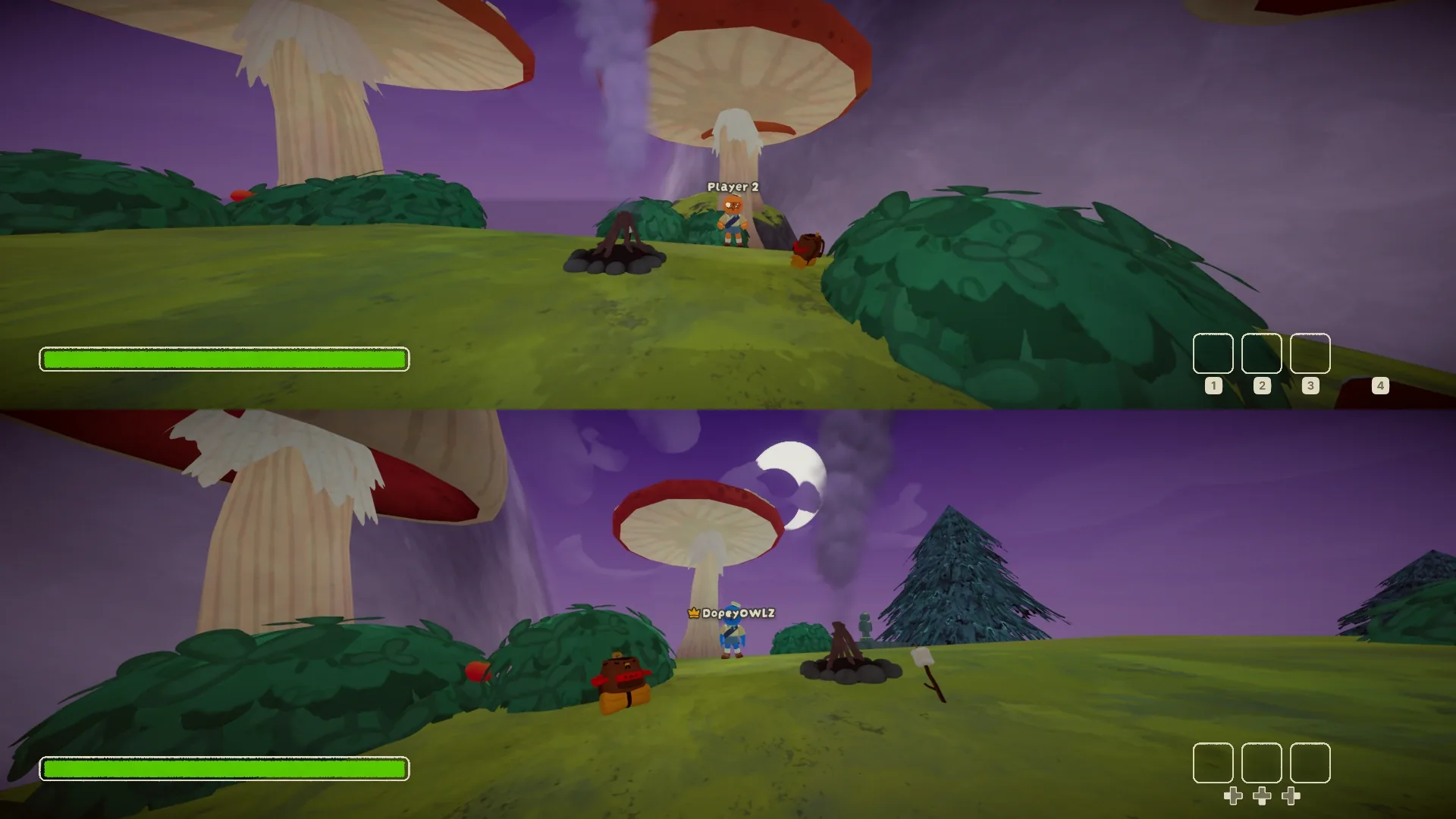
- Each player gets their own half: top and bottom by default, or side by side.
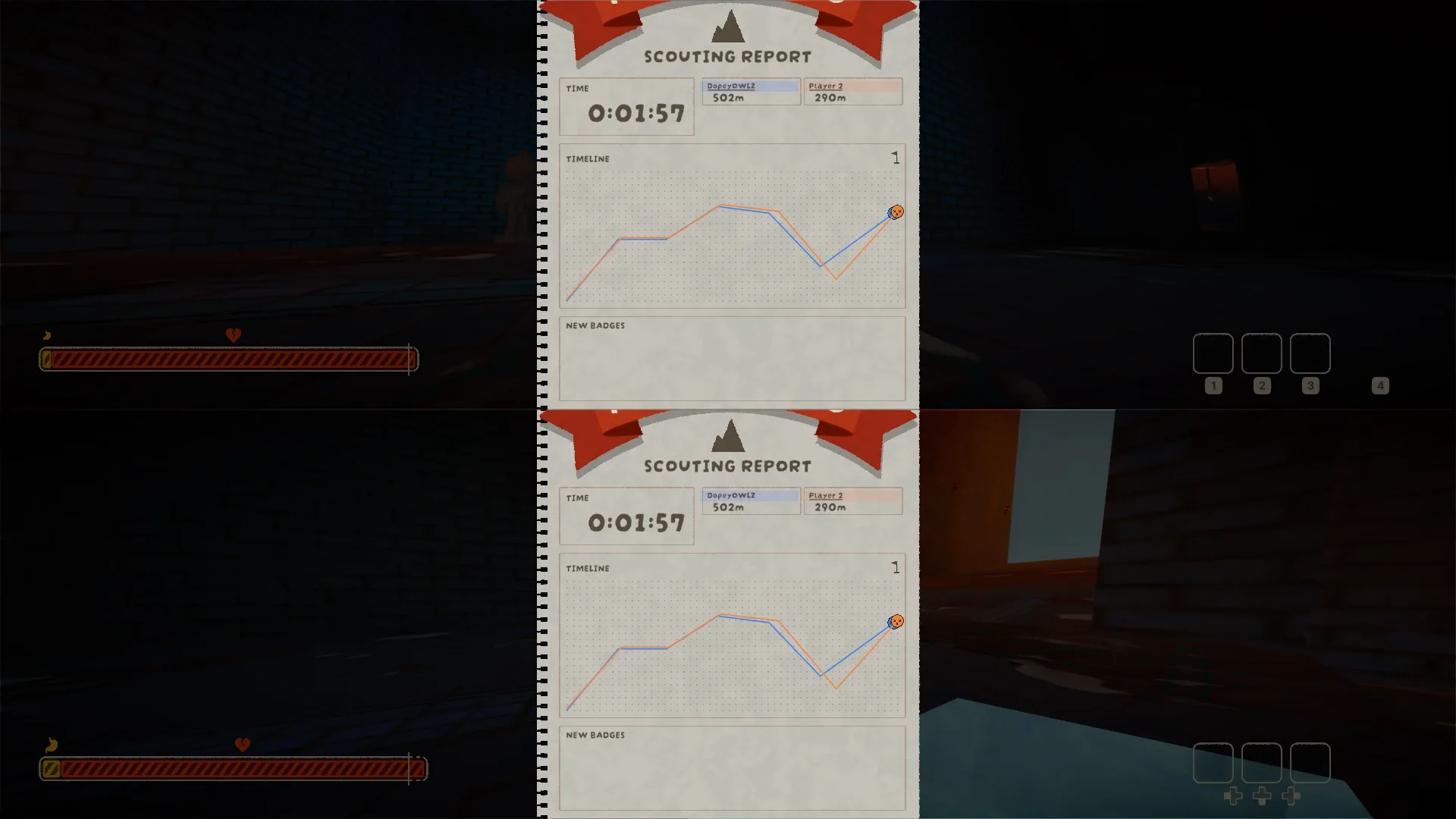
- Player 2 gets their own character, camera, HUD, inventory, backpack, emote wheel, pause menu and end-of-run report.
- Carrying, reviving, ghosts and the statue revive work between you, just like with online friends.
- Storms, heat, spores, traps and campfires work on both of you, with their own timers.
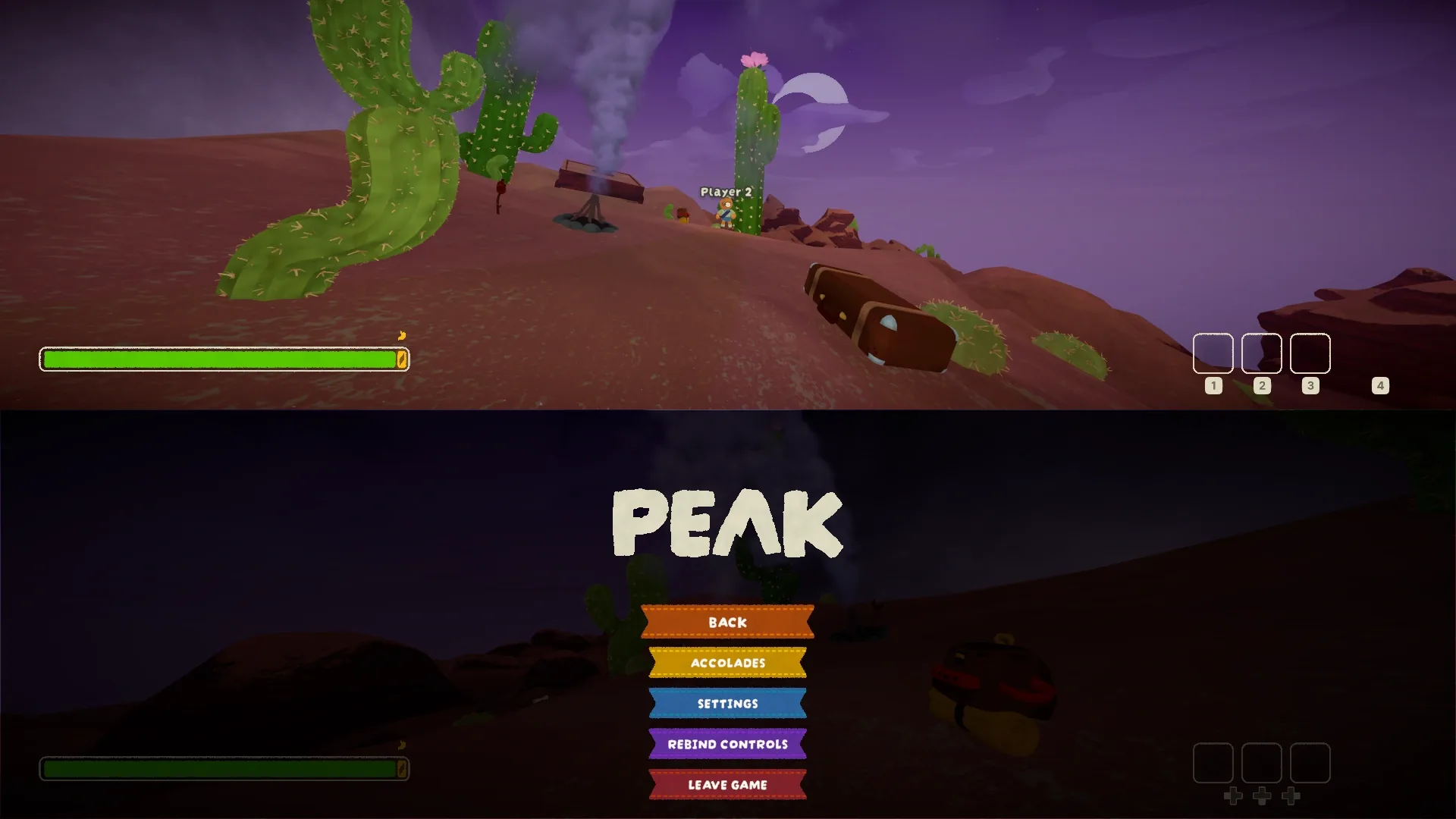
- Both players can be in their own menus at the same time. Pausing stops the game for both.
Player 2 is their own player
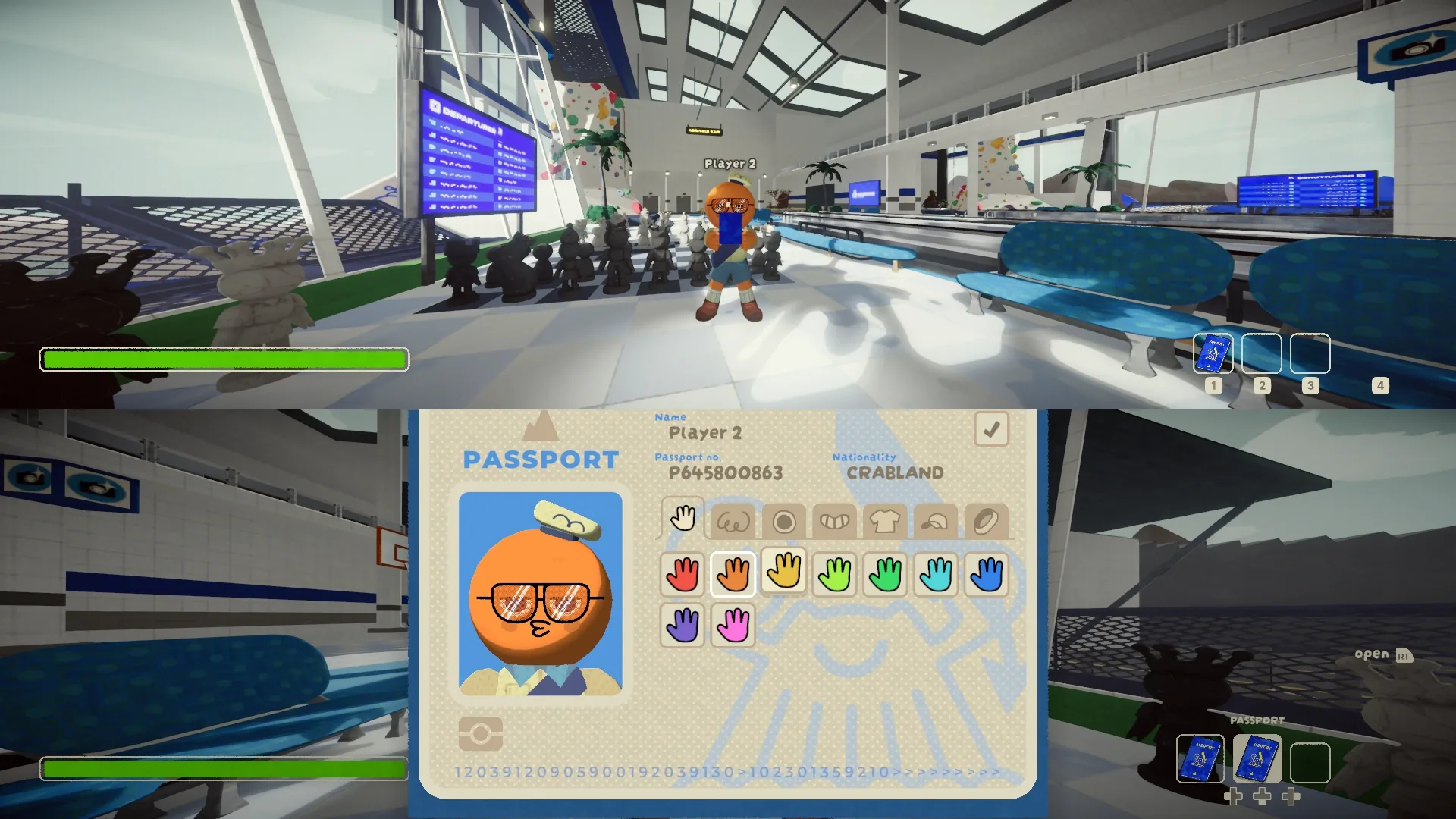
- Player 2 picks their own look with their own passport at the airport. It's saved for next time.
- Player 2 has their own controller settings: sensitivity, invert X and Y, field of view, head bob and jump-to-climb.
- On-screen buttons match each player's own controller: Xbox, PlayStation, Switch or Steam Deck.
- Campfire saves include player 2's items, so continuing a run gives them back.
- Player 2 can leave from their pause menu and come back any time by holding START.
Good to know
- Split-screen works in Play Solo only. In an online room it switches off.
- One extra player, and player 2 needs a controller.
- Achievements and Steam stats count for player 1 only. It's player 1's Steam account.
- There's one set of ears: each sound plays at the volume of whichever player is nearer, and left and right follow player 1. Player 2's microphone is off.
- Graphics, audio and button rebinding are shared between the two players.
Requirements
- Game
- PEAK on Steam, Windows version
- Windows
- Windows 10 or 11, 64-bit
- Controllers
- One controller for player 2. Player 1 can use keyboard and mouse or a second controller.
- Included
- BepInEx 5.4.23.3 with HarmonyX and MonoMod, put in the game folder. Nothing else to install.
- Admin rights
- Not needed, unless your game folder is write-protected. Then the installer offers to restart as administrator.
- Game mode
- Play Solo (offline) only
- Tested on
- Steam build 26542162. The installer tells you if your game has updated since; most things usually keep working.
Screenshots
All shots in split-screen at 1920x1080. Player 1 is on top (or left), player 2 below (or right).
Install
- Close PEAK.
- Run the Setup.exe from the download button. If Windows says Windows protected your PC, click More info, then Run anyway. The installer isn't code-signed, so Windows doesn't know it yet.
- It finds your Steam copy by itself. Click Install. If it can't find PEAK, click Change... and pick the folder with
PEAK.exein it (in Steam: right-click PEAK > Manage > Browse local files). - Start PEAK from Steam as usual and choose Play Solo.
- Player 2 holds START on their controller for a second and joins on the bottom half of the screen.
Got an older version? Close PEAK, run the new Setup.exe and click Update to .... Player 2's look and settings are kept.
Uninstall
- Close PEAK.
- Run the Setup.exe again (download it here if you deleted it) and click Uninstall.
- Confirm. PEAK is back to normal.
Your PEAK saves and settings aren't touched. Player 2's look, settings and campfire save are removed, because they live in the mod's own settings file. If no other BepInEx mods are left, BepInEx and its loader files go too.
Removing it by hand
If the Setup.exe won't run: close PEAK, open the game folder and delete winhttp.dll, doorstop_config.ini, .doorstop_version and the BepInEx folder. Only delete BepInEx if you have no other mods in it.
Troubleshooting
Windows says "Windows protected your PC"
The installer isn't code-signed, so SmartScreen doesn't recognise it. Click More info, then Run anyway. If you want to check the file first, compare its SHA-256 with the one under the download button.
The installer can't find PEAK
Click Change... and pick the folder that has PEAK.exe in it. In Steam, right-click PEAK > Manage > Browse local files to open that folder.
Player 2 can't join
Split-screen only works in Play Solo. Player 2 needs a controller that isn't player 1's and has to hold START for a full second. Player 1 on keyboard and mouse is fine: the mod gives player 1 the keyboard back.
Split-screen switched itself off
You went into an online room, and split-screen only runs in Play Solo. Go back to the main menu, pick Play Solo, and player 2 holds START again.
I want side by side instead of top and bottom
Close PEAK, open PEAK\BepInEx\config\PeakSplit.settings.json in Notepad and change "layout": "horizontal" to "layout": "vertical".
Player 2 lost their items after a scene change
Player 2 starts fresh in each new scene. Items only come back through campfire saves: continue the run with player 2 joined (hold START in the main menu, then Continue).
PEAK updated and something broke
Each part of the mod loads on its own, so one broken piece doesn't take the rest down. BepInEx\LogOutput.log in the game folder lists anything that didn't load. Check back here for a newer version.
Changelog
-
1.1.2 Current
- First version published on this site.
Versions before 1.1.2 were only shared with friends and aren't published here.