Unofficial fan mod for over the hill
Over the Hill Mods
Two players on one PC, each with their own truck, camera, map and save. Plus a MODS menu for cheats, unlocks, time, weather and some plain silly stuff.
- 2 on one PC
- Windows
- Steam version
- Free
e18156e53ac0e8bd64f8b0d855f8bc230f486b2a0279aca92c00b734a1a565f9
To check your download, run Get-FileHash .\OverTheHillMods-Setup-1.3.2.exe in PowerShell and compare.
What it does
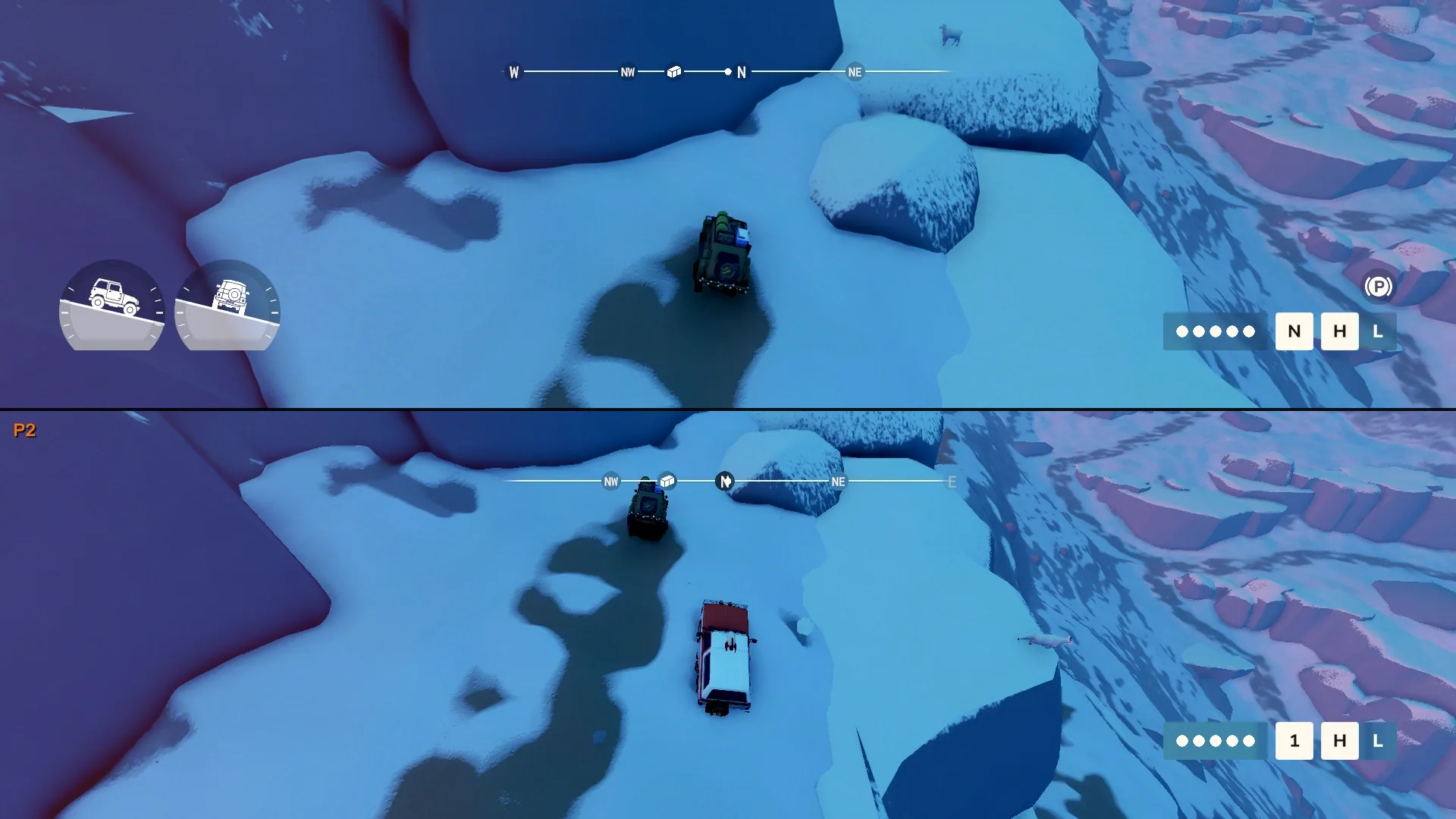
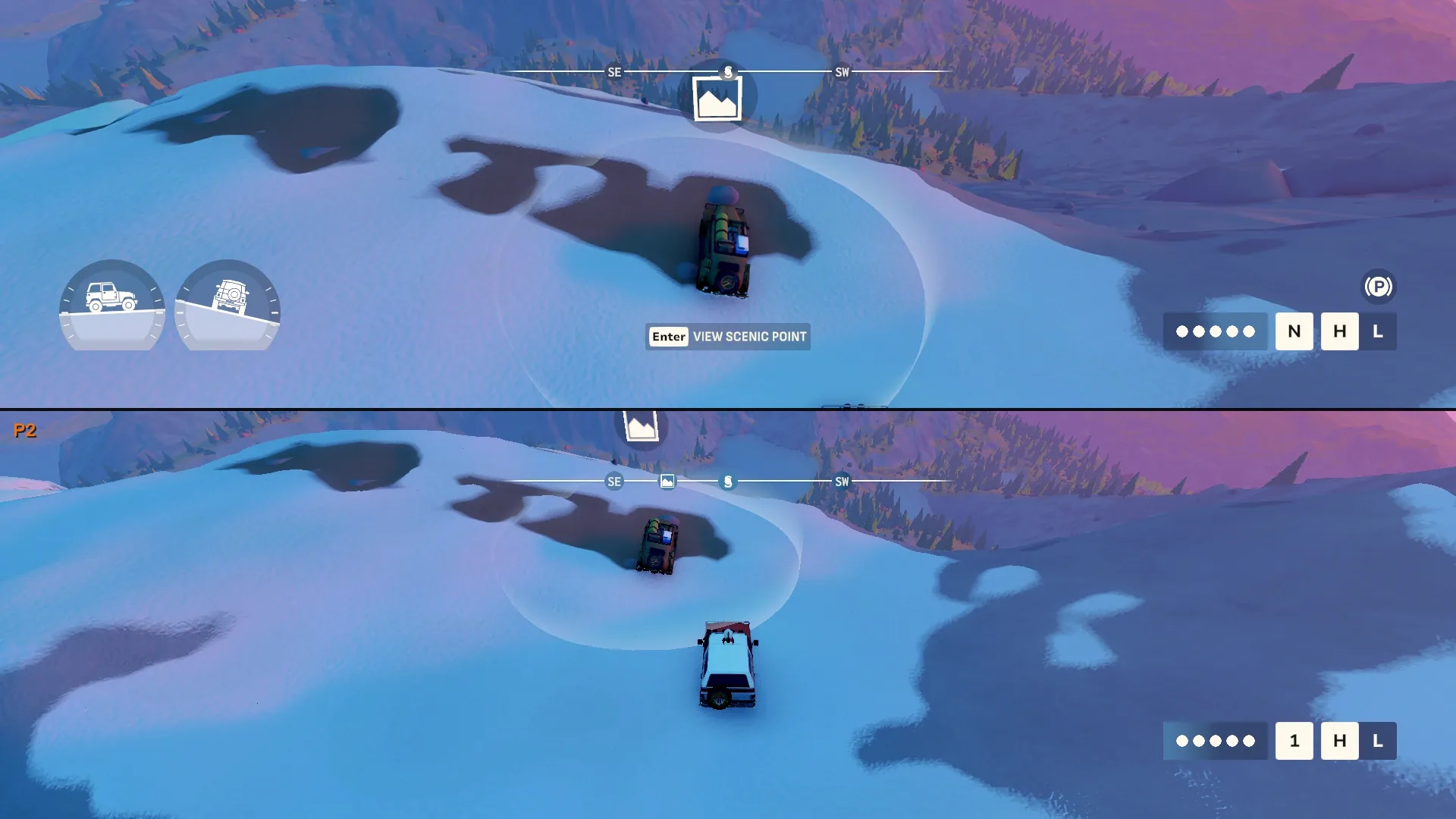
This mod adds couch co-op to over the hill. Plug in two controllers, start split-screen from the MODS menu, and a second player drives their own truck on their own half of the screen with their own camera, map, winch and save.
It also adds a MODS menu with car cheats, unlocks, time and weather controls, and a pile of fun stuff like flying cars, raining cars and meteor showers. If you'd rather type, there are 36 cheat codes too. Everything runs in your own game: solo, or when you're the host.
Split-screen for two
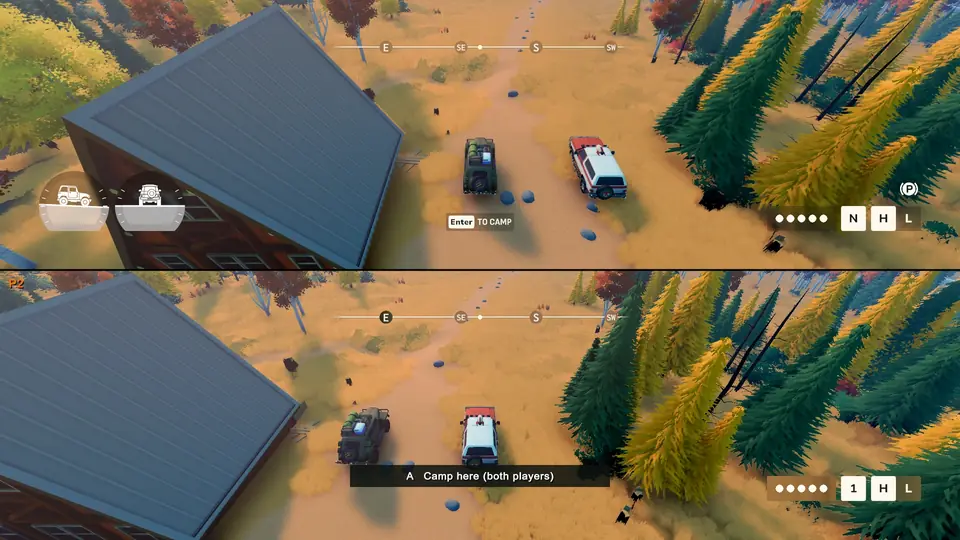
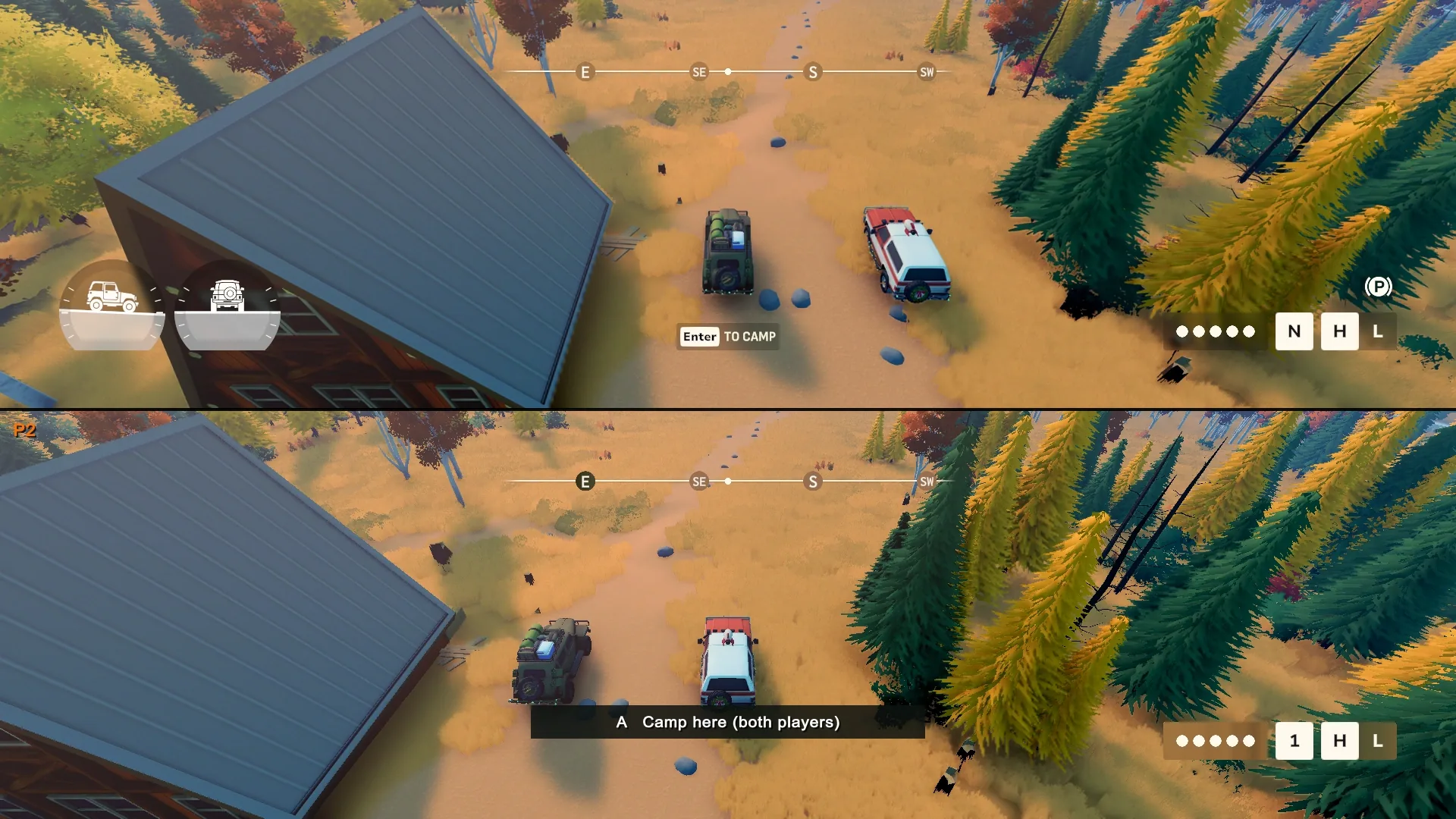
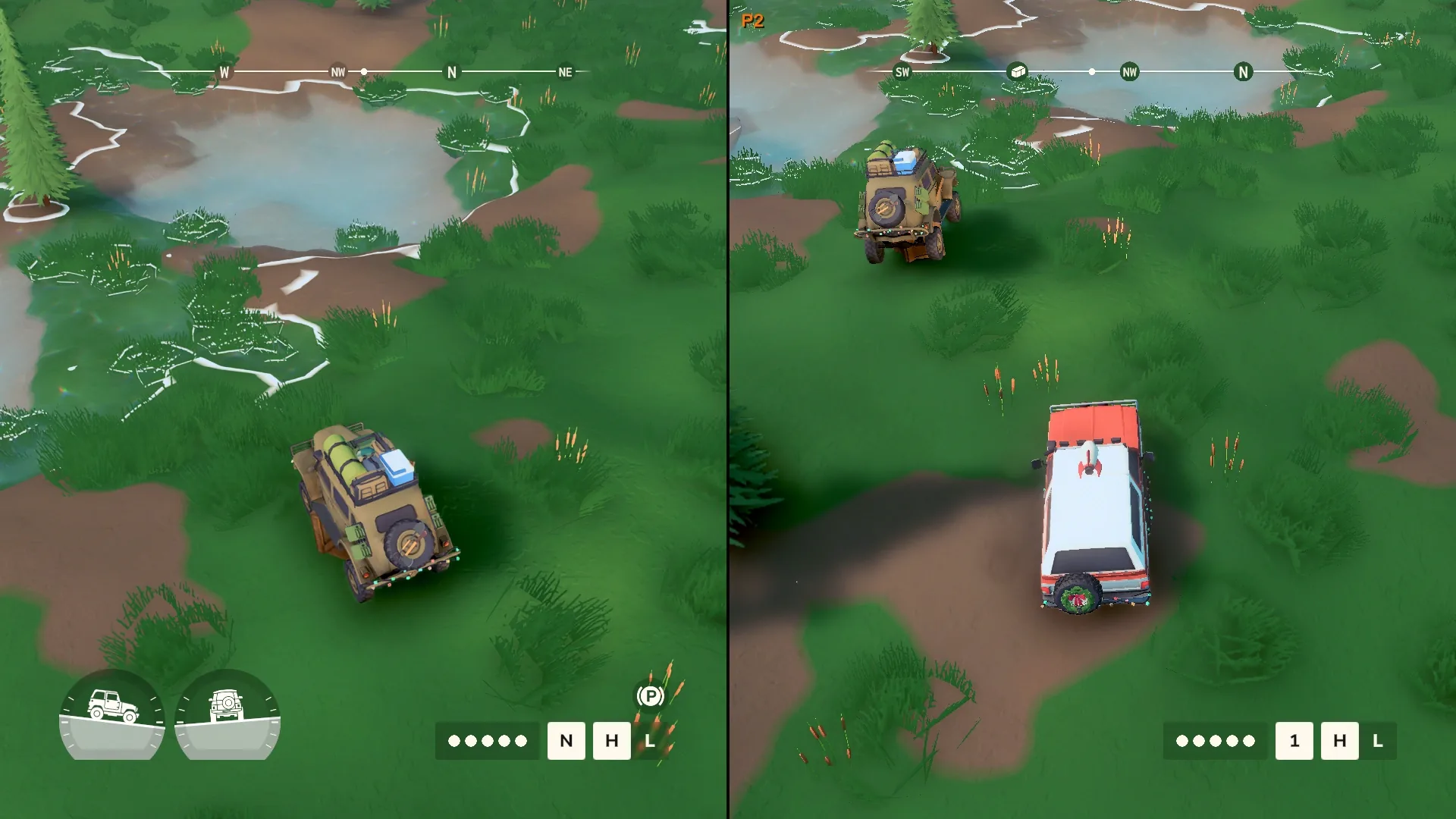
- Top and bottom, or side by side. Switch any time from MODS > SPLIT-SCREEN.
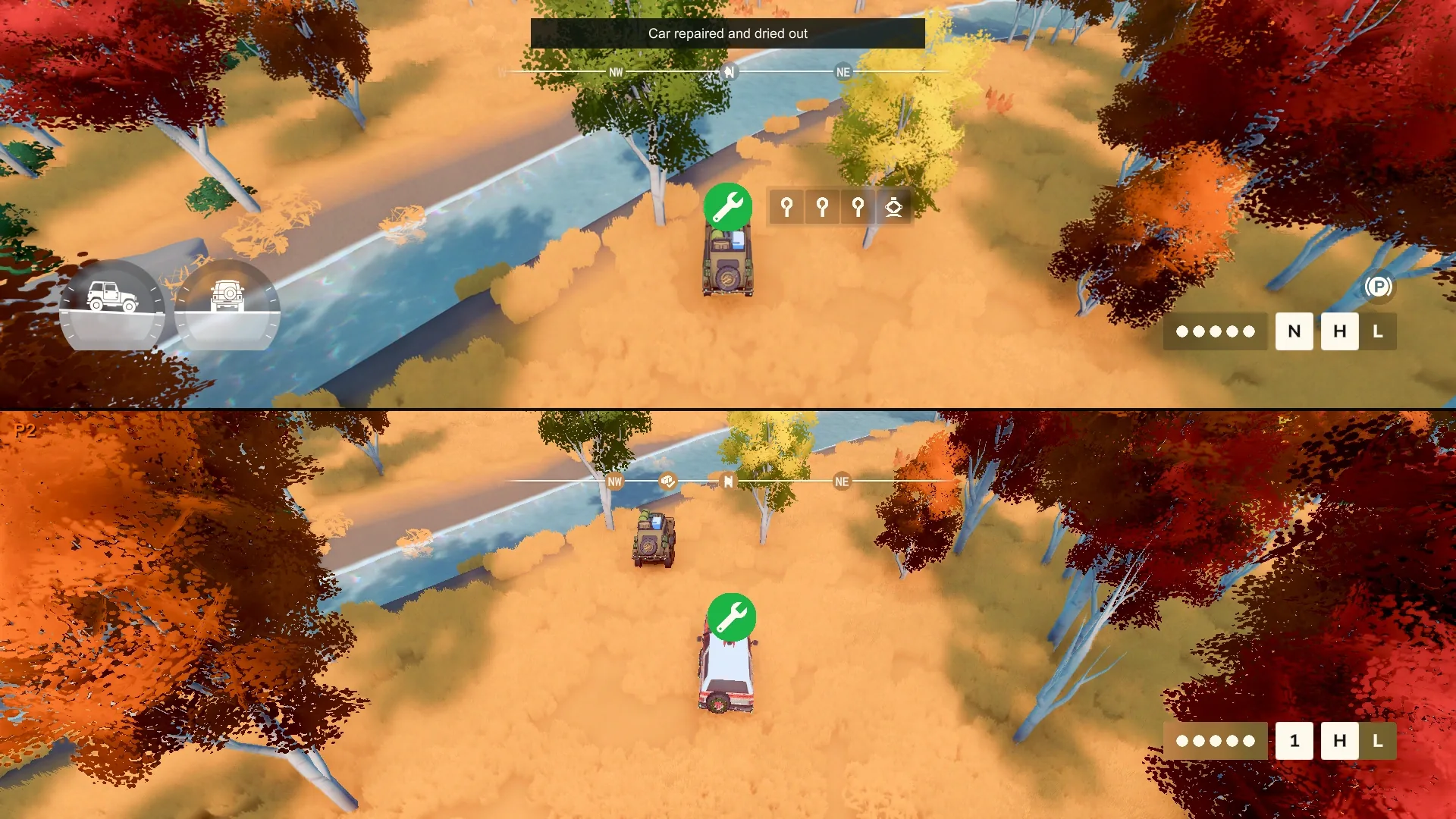
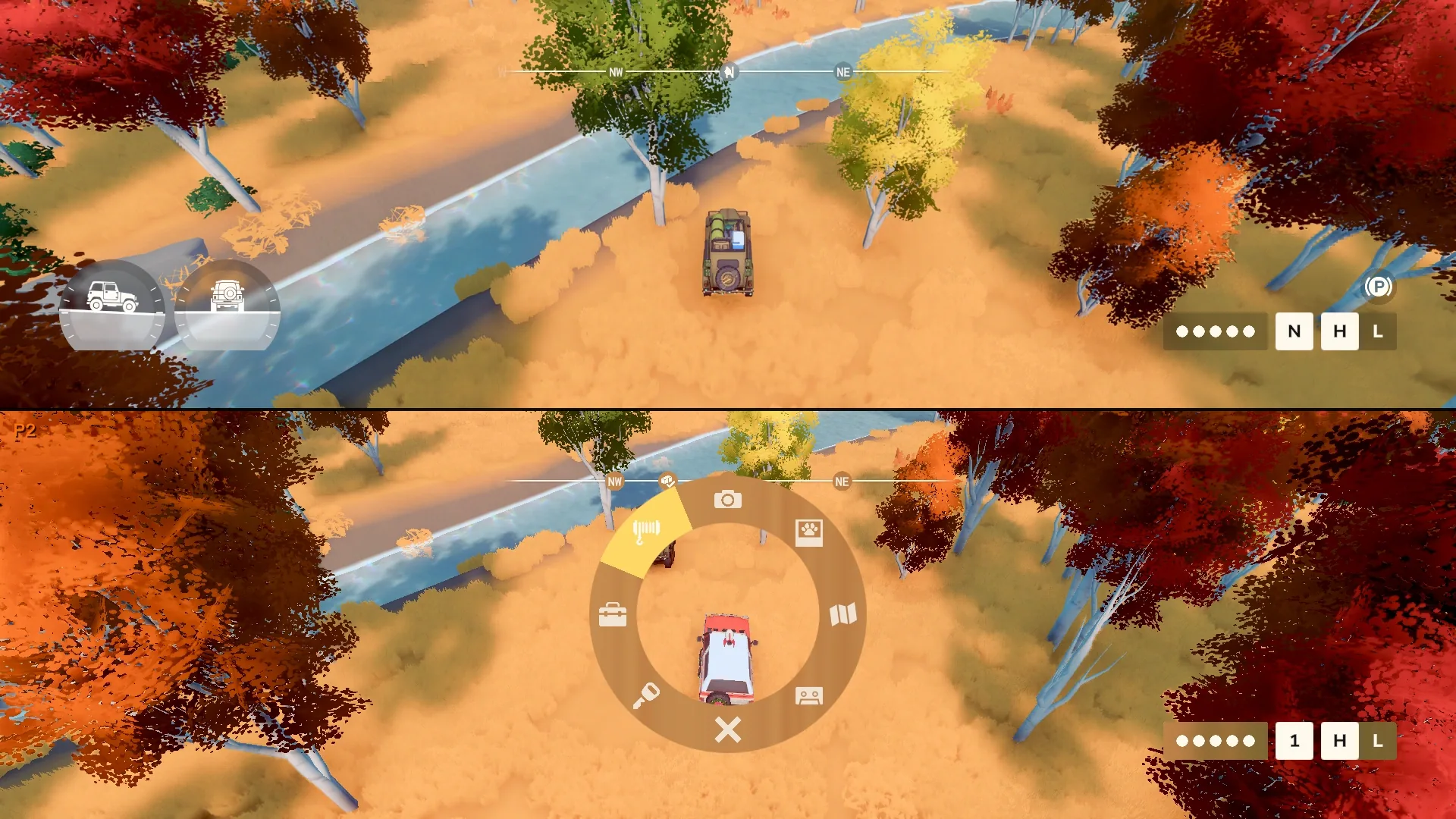
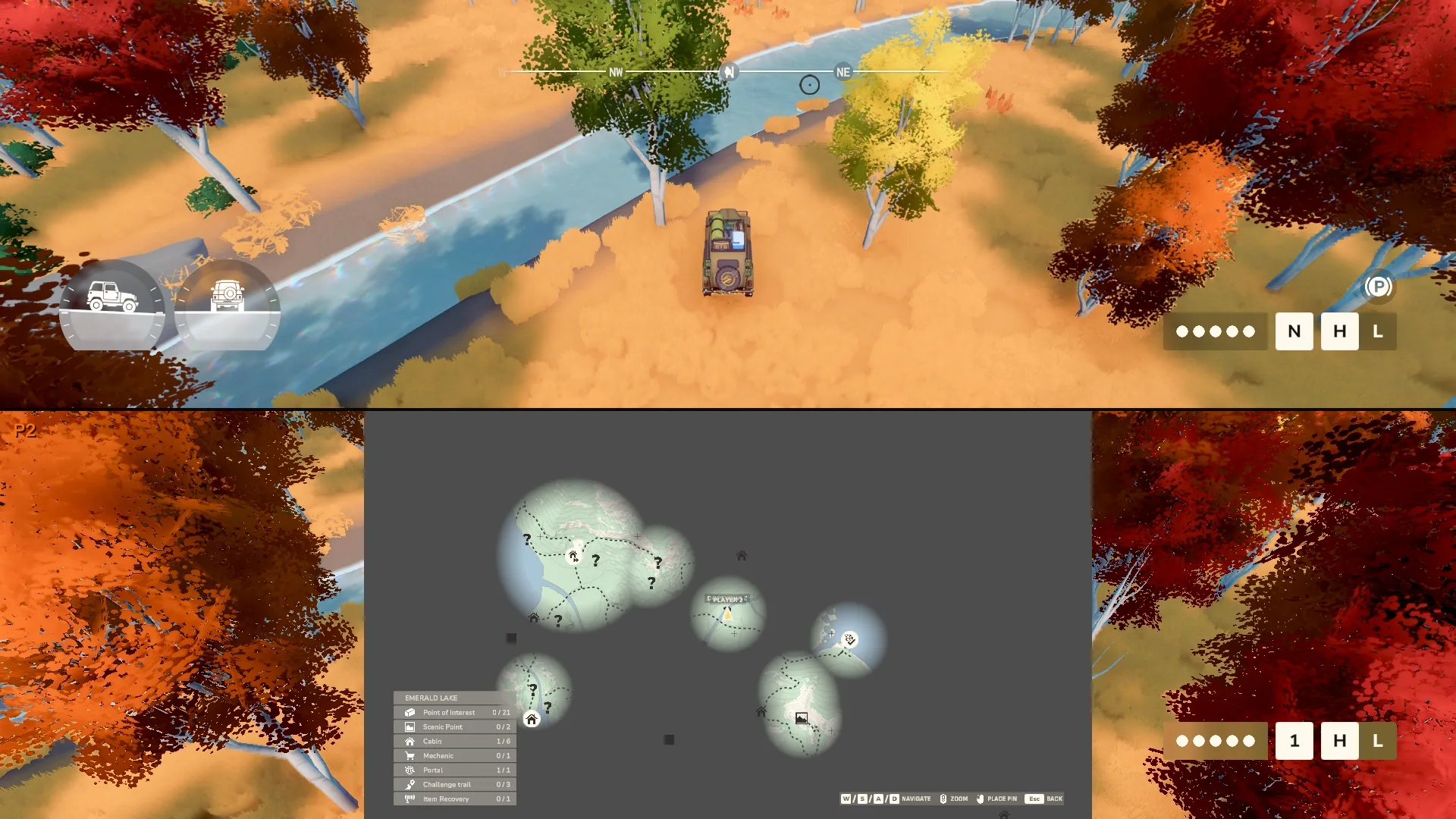
- Player 2 gets their own truck, camera, HUD, radial menu, map and map pin.
- Player 2 has their own save by default: coins, garage, explored map, points of interest, cabins and trails.
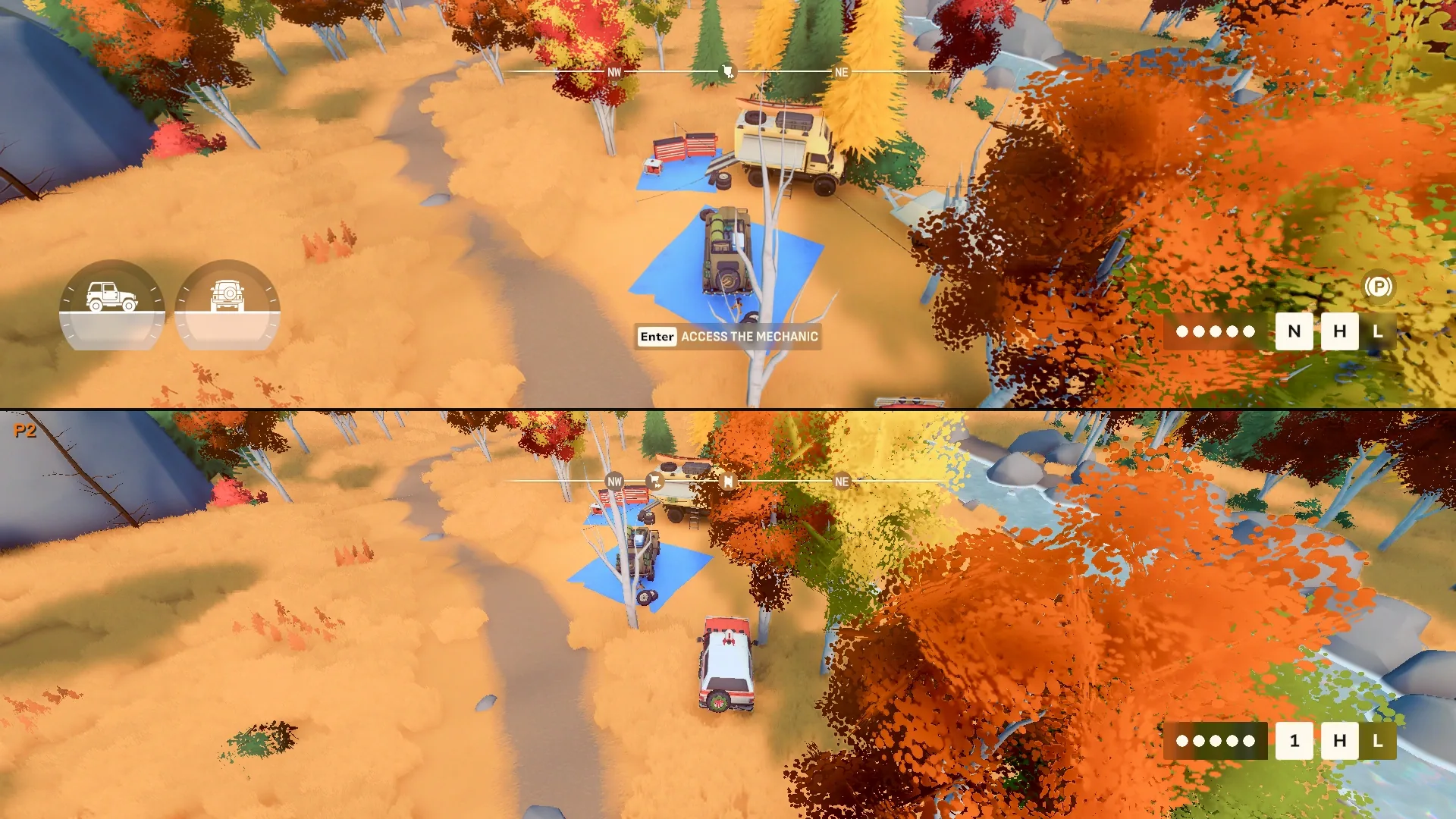
- Both players can use the mechanic, trails, portals and camping. Portals and camping need both trucks there.
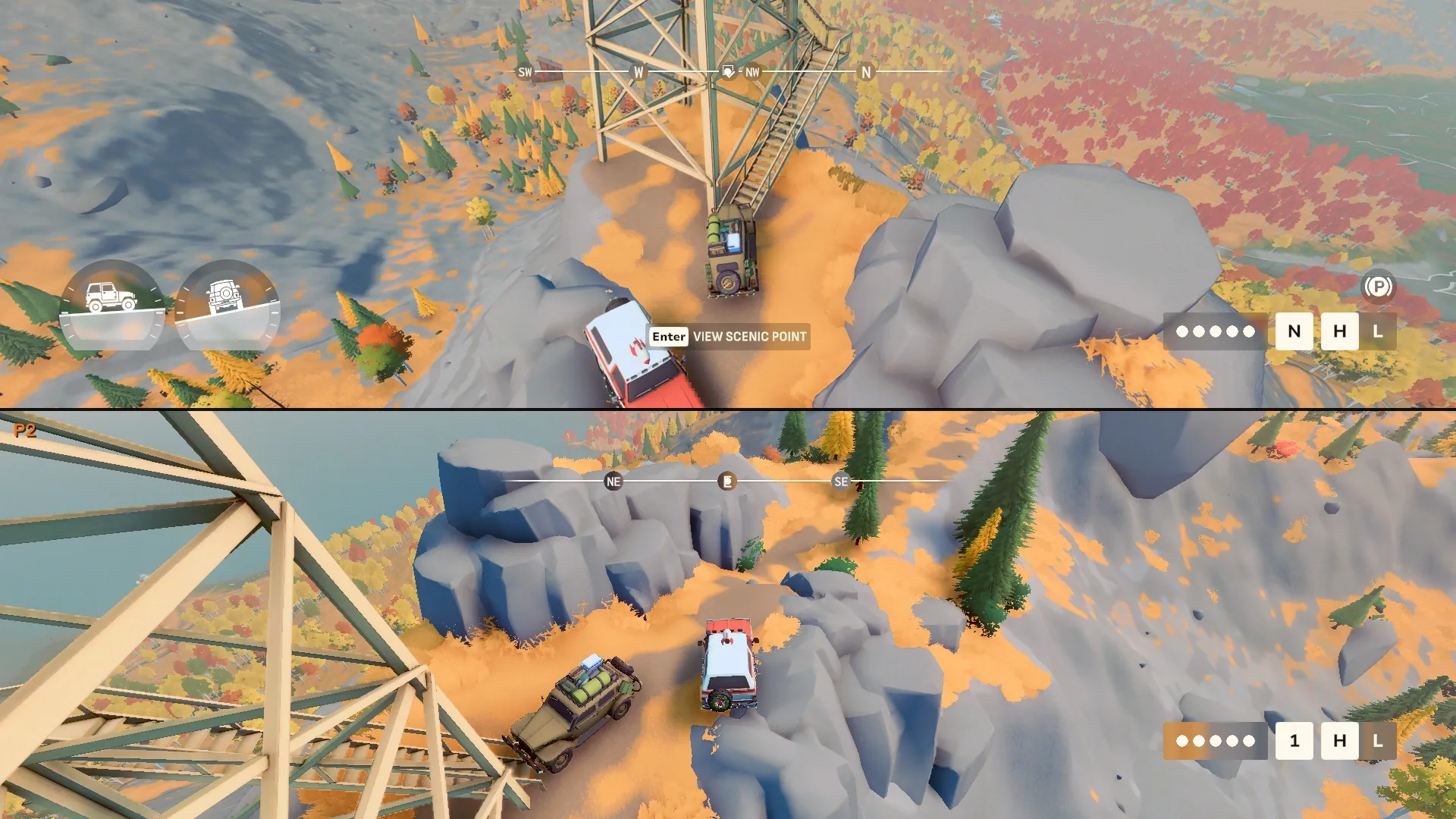
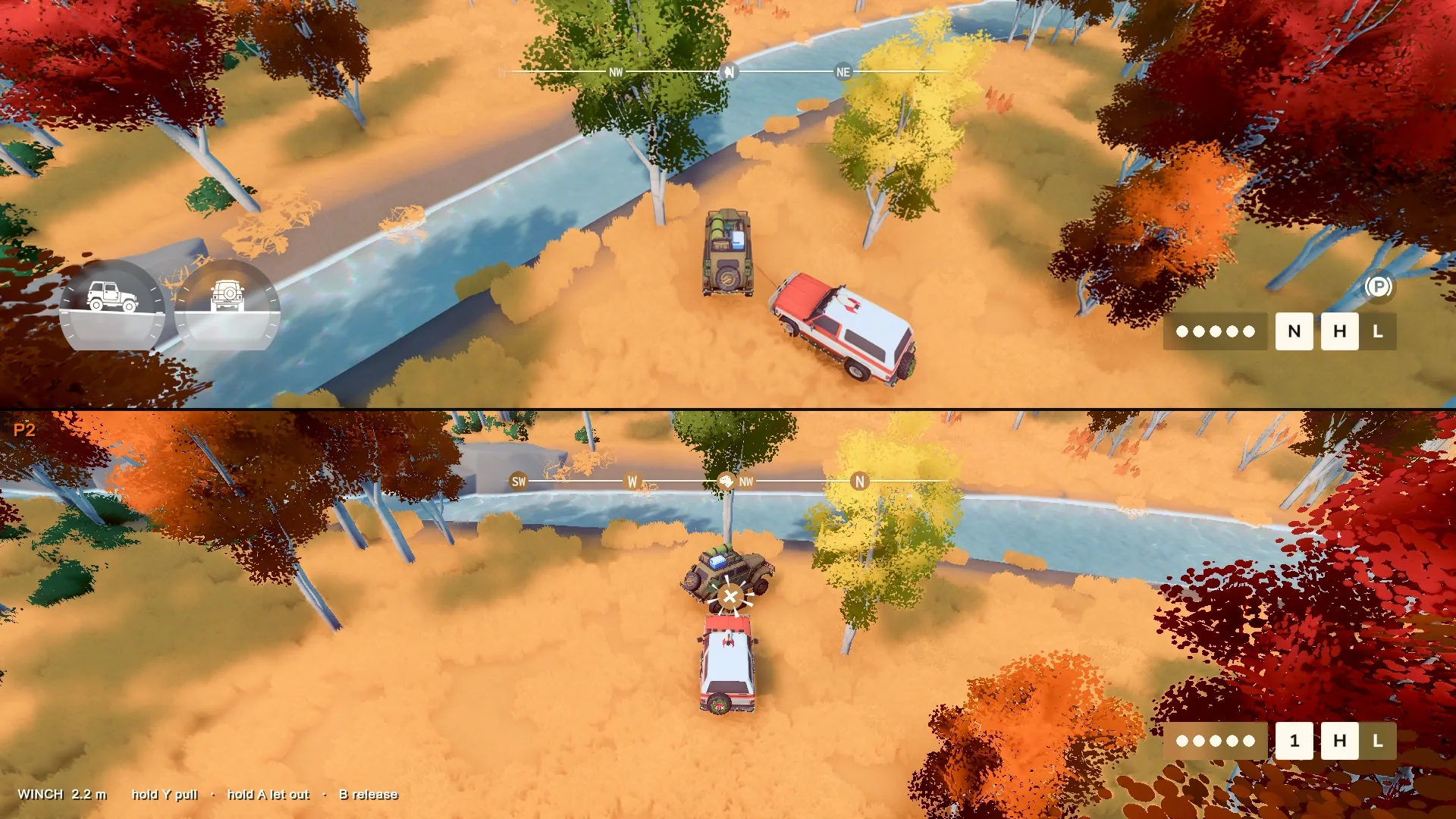
- Player 2 can winch onto trees, rocks and player 1's truck, and the other way round.
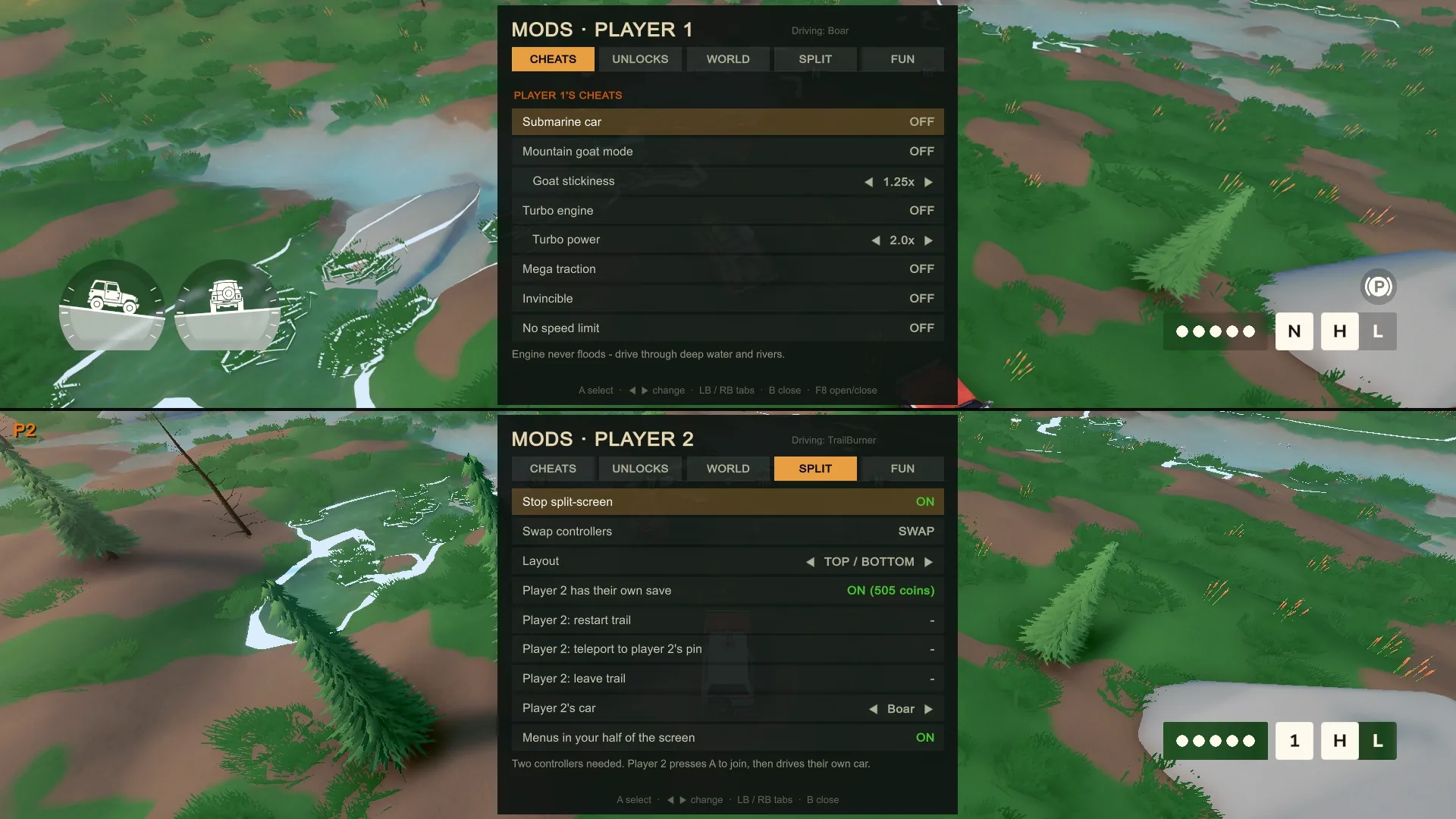
- Each player gets their own MODS menu in their own half of the screen.
MODS menu
- Open it with F8 or Pause > MODS. Five tabs: Cheats, Unlocks, World, Split-screen and Fun.
- Cheats: invincible, turbo engine, mountain goat grip, mega traction, moon gravity, super brakes, and an engine that never floods.
- Unlocks: coins, cars, liveries, cosmetics, upgrades, tool slots, areas and cabins, for either player's save. These are permanent, so the menu asks you to press twice.
- World: reveal the map, teleport to your pin or the merchant, set the time of day, freeze the clock, northern lights, and trees drawn further away.
- Fun: flying cars, driving on water, nitro, car jump, wheels only, black ice, raining cars, meteor showers, chaos mode, and game speed from 0.25x to 2x.
All 36 cheat codes
Press F9 in the world, type a code and press Enter. Codes always apply to player 1. The horn is Z on the keyboard or a left-stick click on a controller.
On and off (type again to switch off)
- FLYINGWHEELS
- Cars fly
- WATERSKIER
- Drive on water
- GOTTAGOFAST
- Nitro on the horn
- BOINGBOING
- Car jump on the horn
- MEGAJUMP
- Huge jump on the horn
- SLIPNSLIDE
- Black ice
- GHOSTRIDER
- Wheels only
- DRUNKDRIVER
- Wobbly wheels
- TOTHEMOON
- Moon gravity
- STICKYTIRES
- Mega traction
- TURBOTIME
- Turbo engine
- MOUNTAINGOAT
- Climb almost anything
- BULLETPROOF
- Invincible
- DEEPDIVER
- Engine never floods
- CHAOSMODE
- A random cheat every 35 seconds
- BULLETTIME
- Slow motion
- FASTFORWARD
- Fast motion
One-shot
- FULLSERVICE
- Repair, dry out, refill tools, +250 coins
- LIFTOFF
- Launch the car
- ITSRAININGCARS
- Five cars fall from the sky
- KABOOM
- Blast loose objects away
- ARMAGEDDON
- Meteor shower
- TAKEMEANYWHERE
- Random teleport near a point of interest
- LOVELYDAY
- Noon and clear skies
- WEATHERMAN
- Next weather
- CATSANDDOGS
- Rain
- PEASOUP
- Fog
- SNOWDAY
- Snow
- SANDSTORM
- Sandstorm
- ALWAYSMIDNIGHT
- Midnight, clock stopped
- ORANGESKY
- Sunset, clock stopped
- CLOCKWORK
- Clock runs again
- NORTHERNLIGHTS
- Northern lights tonight
- MUDBATH
- Muddy car
- SQUEAKYCLEAN
- Clean car
- SCAREDYCAT
- Scare every animal
Requirements
- Game
- over the hill on Steam, Windows version
- Windows
- Windows 10 or 11, 64-bit
- Controllers
- Two controllers connected for split-screen. Player 2 has to use one. Player 1 can play on the other or on keyboard and mouse, but both controllers still need to be plugged in.
- Included
- BepInEx 6.0.0-be.793 (IL2CPP) and the .NET 6.0.7 runtime, put in the game folder. Nothing else to install.
- Admin rights
- Not needed, unless your game folder is write-protected. Then the installer offers to restart as administrator.
- Online
- Cheats and split-screen work in your own game only: solo, or when you're the host.
- Tested on
- Steam build 26326013. The installer tells you if your game has updated since; most things usually keep working.
Screenshots
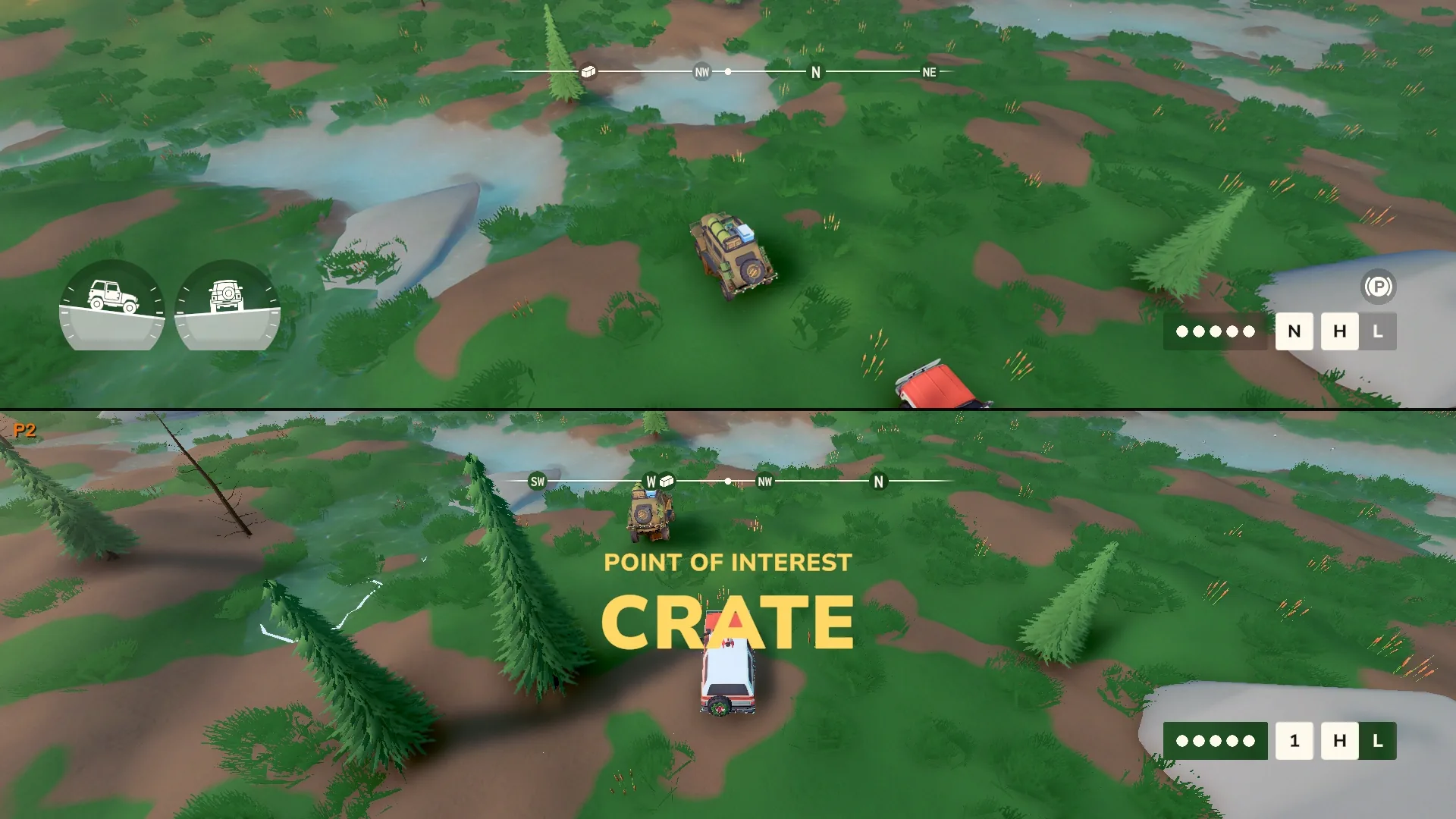
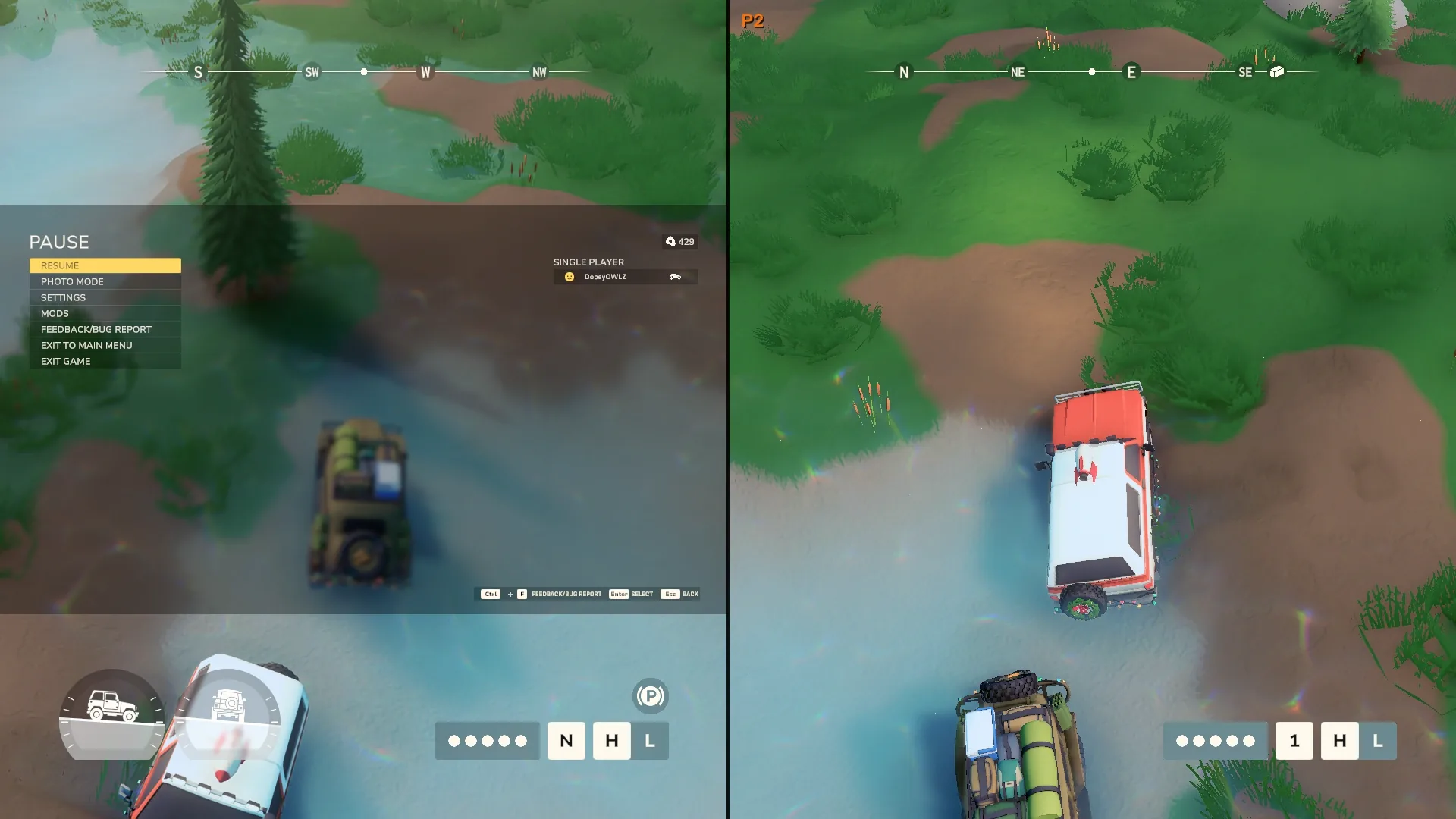
All shots in split-screen at 1920x1080. Player 1 is the green Boar, player 2 the white and red TrailBurner.
Install
- Close the game.
- Run the Setup.exe from the download button. If Windows says Windows protected your PC, click More info, then Run anyway. The installer isn't code-signed, so Windows doesn't know it yet.
- It finds your Steam copy by itself. Click Install mods. If it can't find the game, click Change... and pick the folder with
over the hill.exein it (in Steam: right-click the game > Manage > Browse local files). - Start the game from Steam as usual. The first start takes 1 to 3 minutes and the window may stay black while the mod loader sets itself up. After that it starts normally.
- In the world, press F8 or open Pause > MODS. For split-screen: connect two controllers, go to MODS > SPLIT-SCREEN > Start, and player 2 presses A.
Got an older version? Close the game, run the new Setup.exe and click Update to .... Your mod settings and both players' saves are kept.
Uninstall
- Close the game.
- Run the Setup.exe again (download it here if you deleted it) and click Uninstall.
- Confirm. Your saves stay, including player 2's.
This removes winhttp.dll, doorstop_config.ini, .doorstop_version, the dotnet folder and the mod. If no other BepInEx mods are left, the whole BepInEx folder goes too.
Removing it by hand
If the Setup.exe won't run: close the game, open the game folder and delete winhttp.dll, doorstop_config.ini, .doorstop_version, dotnet and BepInEx. Your saves live in Documents, not in the game folder.
Troubleshooting
Windows says "Windows protected your PC"
The installer isn't code-signed, so SmartScreen doesn't recognise it. Click More info, then Run anyway. If you want to check the file first, compare its SHA-256 with the one under the download button.
The installer can't find the game
Click Change... and pick the folder that has over the hill.exe in it. In Steam, right-click over the hill > Manage > Browse local files to open that folder.
The game window stays black after installing
On the first start after installing, and after a game update, the mod loader sets itself up. That takes 1 to 3 minutes and the window can stay black the whole time. Give it a few minutes. Later starts are normal.
"Split-screen needs 2 controllers connected"
Both controllers have to be connected before you press Start, even if player 1 plays on keyboard and mouse. You also need to be out in the world (not the staging screen) and in your own game, not someone else's online game.
A message says some game hooks didn't load
The game has updated since this version was made. Most things usually keep working; only the parts tied to the changed game code stop. Check back here for a newer version. The installer also tells you when your game build differs from the one the mod was made for.
"Please close over the hill first"
The game is still running. Close it fully (check Task Manager) and run the installer again.
Something else is wrong
The mod loader writes a log to BepInEx\LogOutput.log in the game folder, and it usually names the part that failed. Running the Setup.exe again and clicking Repair writes every mod file again.
Changelog
-
1.3.2 Current
- MODS > WORLD > Clean my car now removes dust and snow as well as mud.
- First version published on this site.
-
1.3.1
- Smoother split-screen.
- Player 2's radial menu closes when an item is picked.
- Player 2 gets the gear and 4H / 4L indicators.
- Reverse and brake lights work for player 2.
- Player 2's map travel lands on the same spot as player 1's.
Versions before 1.3.1 were only shared with friends and aren't published here.